
Supported Devices & Browsers
This article outlines the devices and browsers supported by Buildend, including access via web browser and availability of the mobile application on iOS and Android devices.
Table of Contents
Overview
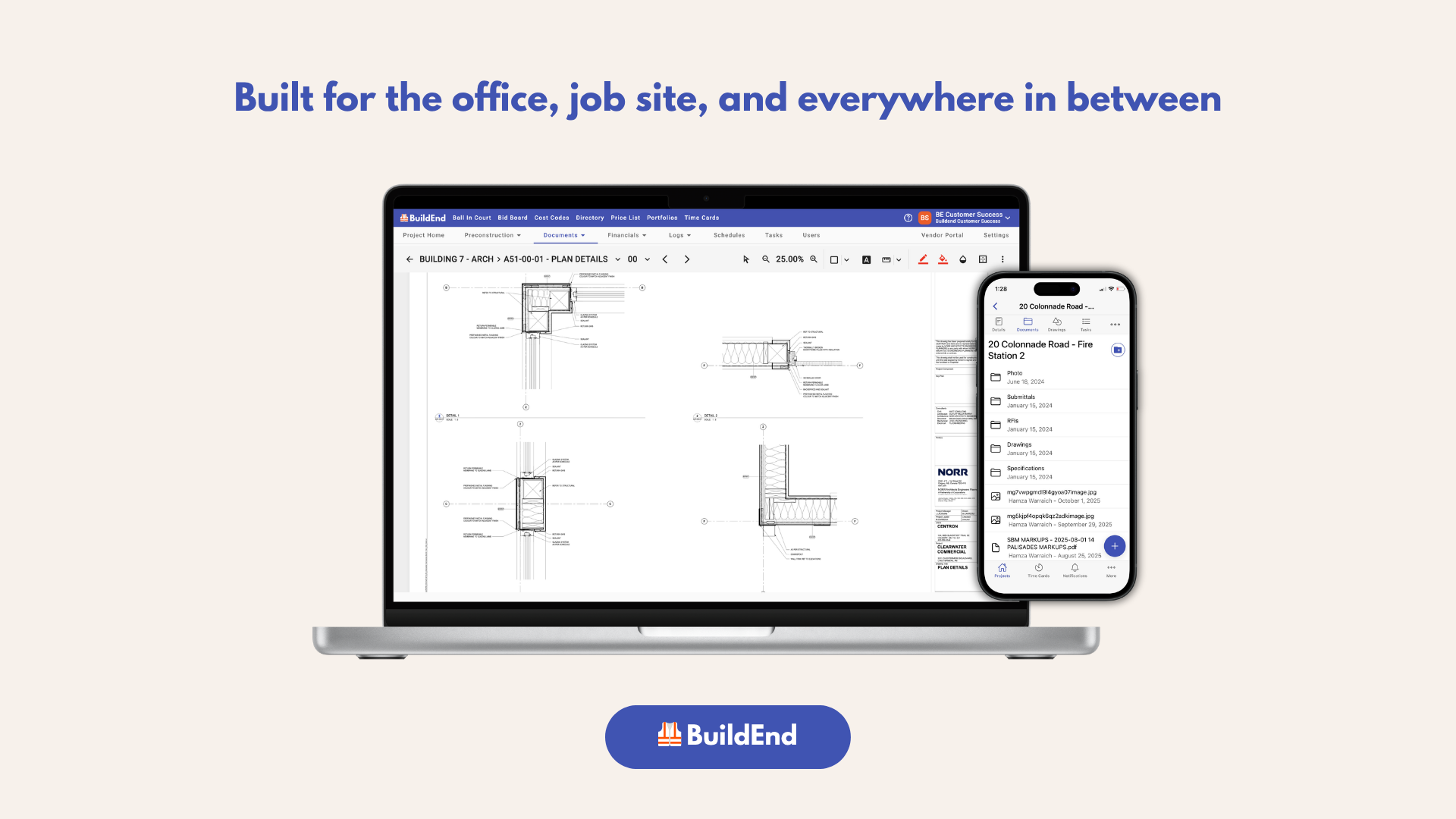
Whether you're in the office or on the job site, Buildend is easily accessible across modern web browsers and supported mobile devices allowing users to work seamlessly between office and field environments.
As a web-based application, Buildend can be accessed through most up-to-date browsers, making it easy to use without installing additional software.
For mobile users, Buildend is available as a dedicated app for both iOS and Android devices, supporting on-site workflows such as viewing projects, managing tasks, and accessing drawings and documents.
Together, the web and mobile applications ensure users can stay connected to their projects wherever they are working.
Supported Web Browsers
Buildend is a web-based application and is supported on most modern browsers.
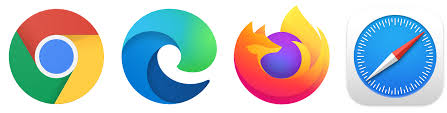
The most commonly used browsers among Buildend users include:
- Google Chrome
- Microsoft Edge
- Mozilla Firefox
- Safari
For the best experience, keep your browser up to date to ensure optimal performance and compatibility.
Mobile App Availability
Buildend is available as a mobile application for field use and on-the-go access, with the same core functionality as the web platform, so you can access projects, workflows, and documents from behind your desk or in the field.
|
|
|
iOS (Apple Devices)
|
|
|
|
Android Devices
|




The mobile app is designed to support core field workflows, including viewing project information, completing tasks, and accessing drawings and documents.
Best Practices
To ensure the best experience when using Buildend:
- Always keep your browser updated to the latest version
- Download the mobile app for field and on-site use
- Ensure your device operating system and the app are up to date
- Use Wi-Fi or stable mobile data when accessing large files or drawings