
Directory: Your Central Source for Contact Information
The Directory is the central location in Buildend for managing company and contact information across projects.
Table of Contents
Overview
The Directory is the primary hub for storing, accessing, and maintaining all company and contact information within Buildend. Think of it as your organization’s centralized digital address book for the people and companies you work with across projects.
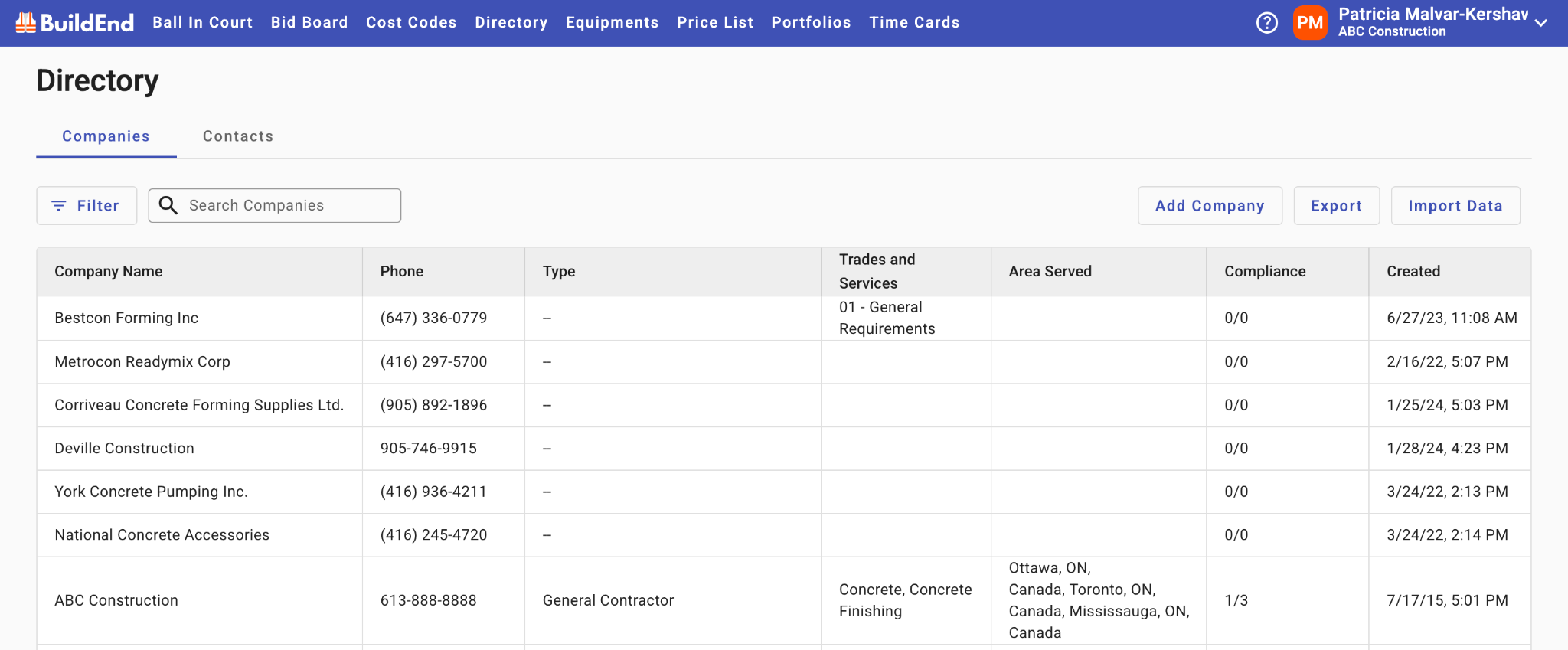
How the Directory Is Organized
All contacts in Buildend must belong to a Company.
Within the Directory, you can view information in two ways:
- Company view (default): Displays a list of all companies, with their associated contact information grouped underneath each organization
- Contacts view: Displays a consolidated list of all individual contacts across companies, allowing you to see and search all users in one unified view
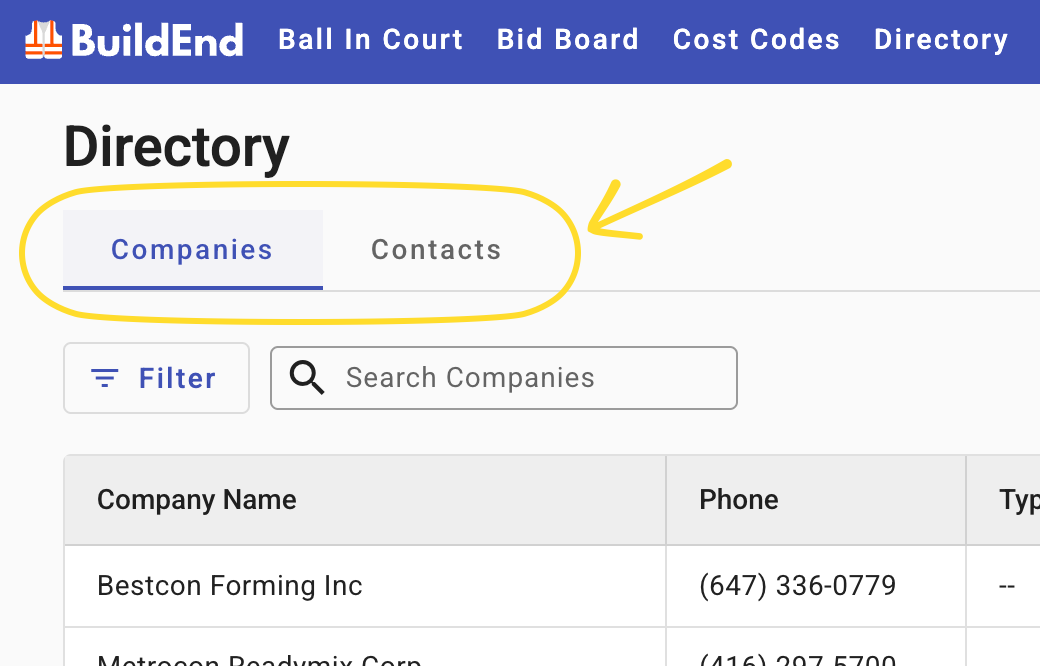
These tab views allow you to either manage information at the company level or quickly access all contacts across your entire Directory, and easily switch between.
How the Directory Is Used
The Directory is used to:
- Store and manage company information
- Maintain individual contact details
- Connect people and organizations to projects
- Reuse contacts across multiple projects
It provides a single source of truth for all contact-related data in Buildend.
Access & Permissions
The Directory is managed at the Company level.
User access is controlled through permissions:
- Some users may have full editing access
- Others may have view-only access depending on their role
This ensures data integrity while allowing appropriate collaboration across teams.