
My Time Card: Overview
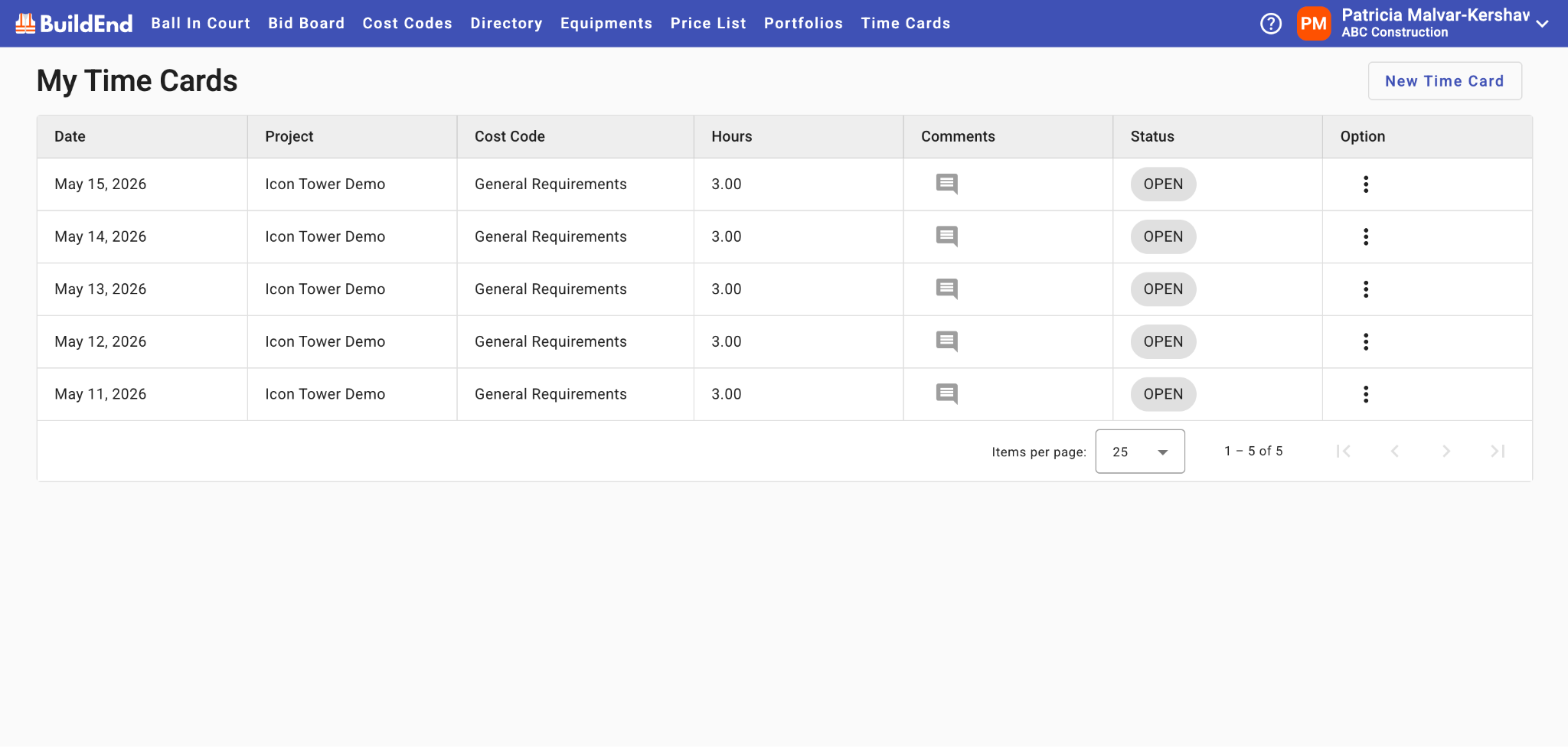
My Time Card is where users can enter, review, and manage their own time entries across projects and activities.
Table of Contents
Overview
My Time Card provides a centralized location for recording and reviewing the time you spend on project-related activities.
Time entries can be associated with projects, jobs, and cost codes to ensure accurate tracking of work performed.
Users can enter, edit, and review their own time entries before submitting them for approval.
Time Entry Lifecycle
My Time Cards represents the first step in the time tracking process, where users enter and record their time.
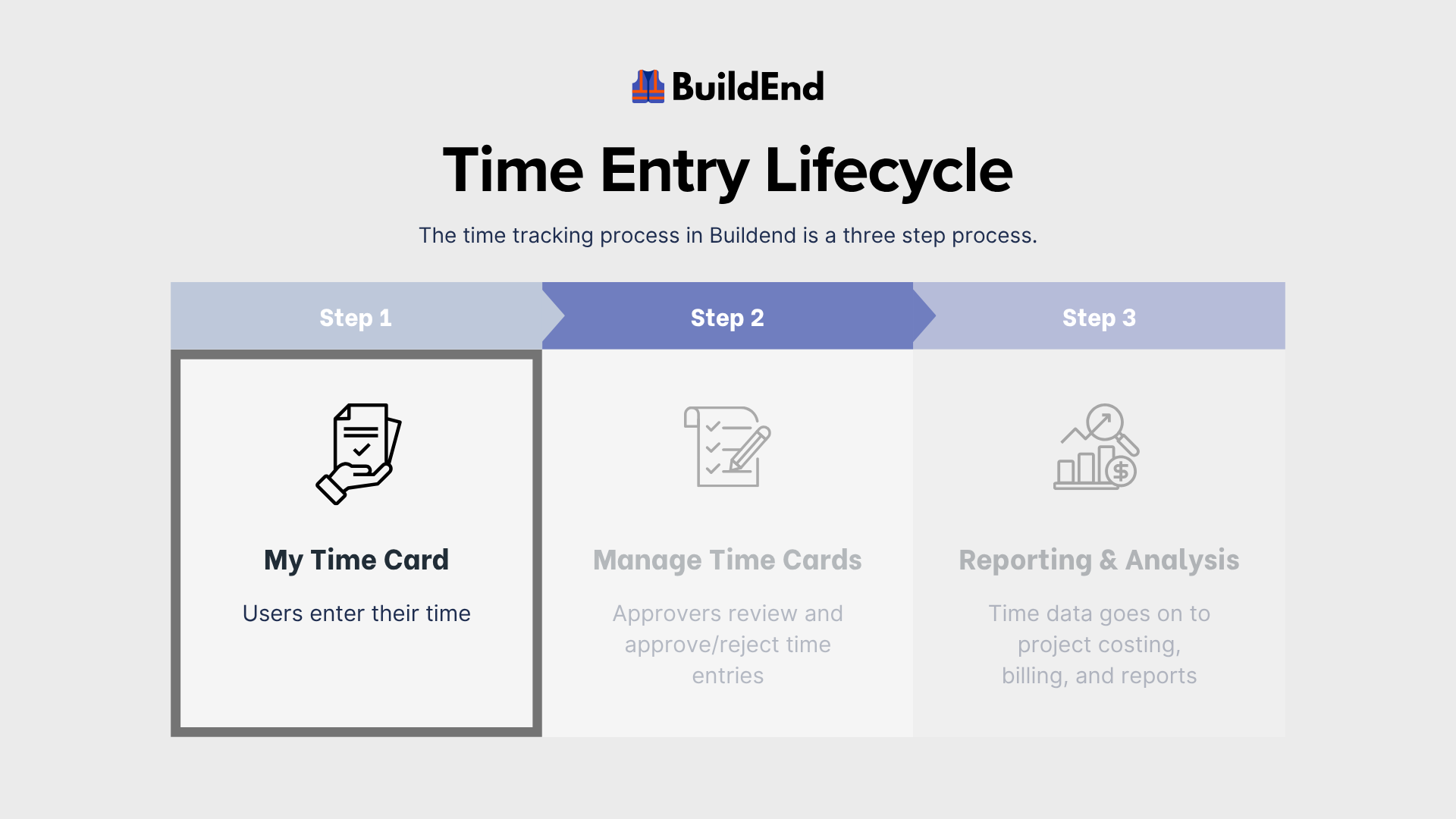
Once submitted, entries move to Manage Time, where they are reviewed and approved by authorized users.
As time entries progress through the system, they follow a status-based lifecycle that reflects their movement from entry to approval.
For more information on statuses, see Time Entry Statuses.
Company-Specific Workflows
Time tracking workflows may be configured differently from one organization to another.
If you're unsure how your company uses Time Cards or has configured its time tracking process, please contact your Buildend Administrator.