
Navigating Buildend (Web)
This article provides an overview of the main navigation areas within the Buildend web application and how to move between projects, modules, and information.
Table of Contents
Overview
Buildend is designed with a consistent navigation experience that makes it easy to move between projects, information, and resources.
Watch the video below for a walkthrough of the primary navigation areas and common navigation patterns throughout the platform.
Training Video
⚫ Note: What you see in Buildend may vary based on your assigned permissions. Navigation options, project modules, and available actions are all controlled by your organization's permission structure.
Main Navigation Bar
The Main Navigation Bar provides access to key areas of Buildend.
Depending on your permissions, available options may vary.

Most areas accessible from the Main Navigation Bar contain company-level information, resources, and settings that support one or more projects.
Common navigation areas include:
- Homepage (under the Buildend logo)
- Bid Board
- Certificates
- Cost Codes
- Directory
- Time Cards
The main navigation remains accessible throughout the platform, making it easy to move between areas without losing context.
Working Within a Project
Once inside a project, project-specific modules become available.

Available project modules may include:
- Documents
- Drawings
- RFIs
- Submittals
- Sub Contracts
- Purchase Orders
- Forms
- Schedules
Each module contains the records, workflows, and information related to that area of project management.
Notifications
Notifications in Buildend are accessible from the Homepage and help users stay informed about project activity and updates that may require attention.
Examples include:
- Workflow updates
- Approvals
- Mentions and collaboration activity
- Changes to items you are involved with
While Notifications help users stay aware of project activity, Ball In Court is where users can view and manage items that have been assigned to them for action.
Reviewing both Notifications and Ball In Court regularly helps ensure important updates and responsibilities are not missed.
For more information, see:
User Menu
The User Menu provides access to personal settings and account options. Unlike other areas of Buildend, the User Menu is available to all users regardless of their assigned permissions.
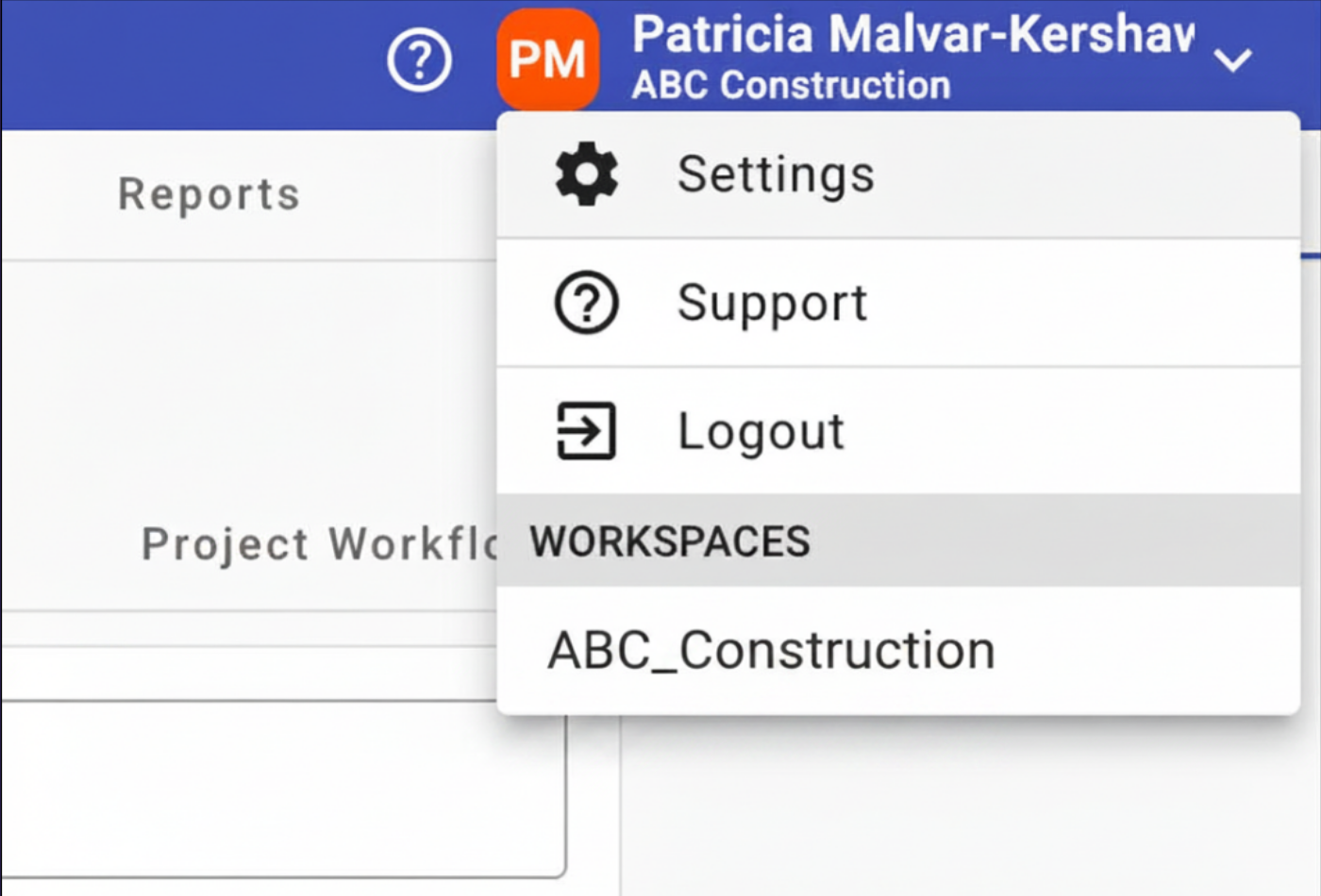
Common options include:
- Settings area
- Support resources
- Log out of the platform