
User Management Overview
Creating users in Buildend is more than simply providing login access. This article explains the user management process and the key steps required to prepare users for collaboration on one or more projects.
Table of Contents
Overview
Before users can begin working in Buildend, they must be created, granted access to the appropriate projects, and, when required, assigned a Project Team Role.
Most user management tasks are performed by administrators. Understanding the overall lifecycle helps ensure users have the appropriate access and workflow responsibilities to collaborate effectively.
The User Management Lifecycle
Every Buildend user follows the same setup process before they are ready to work on a project.
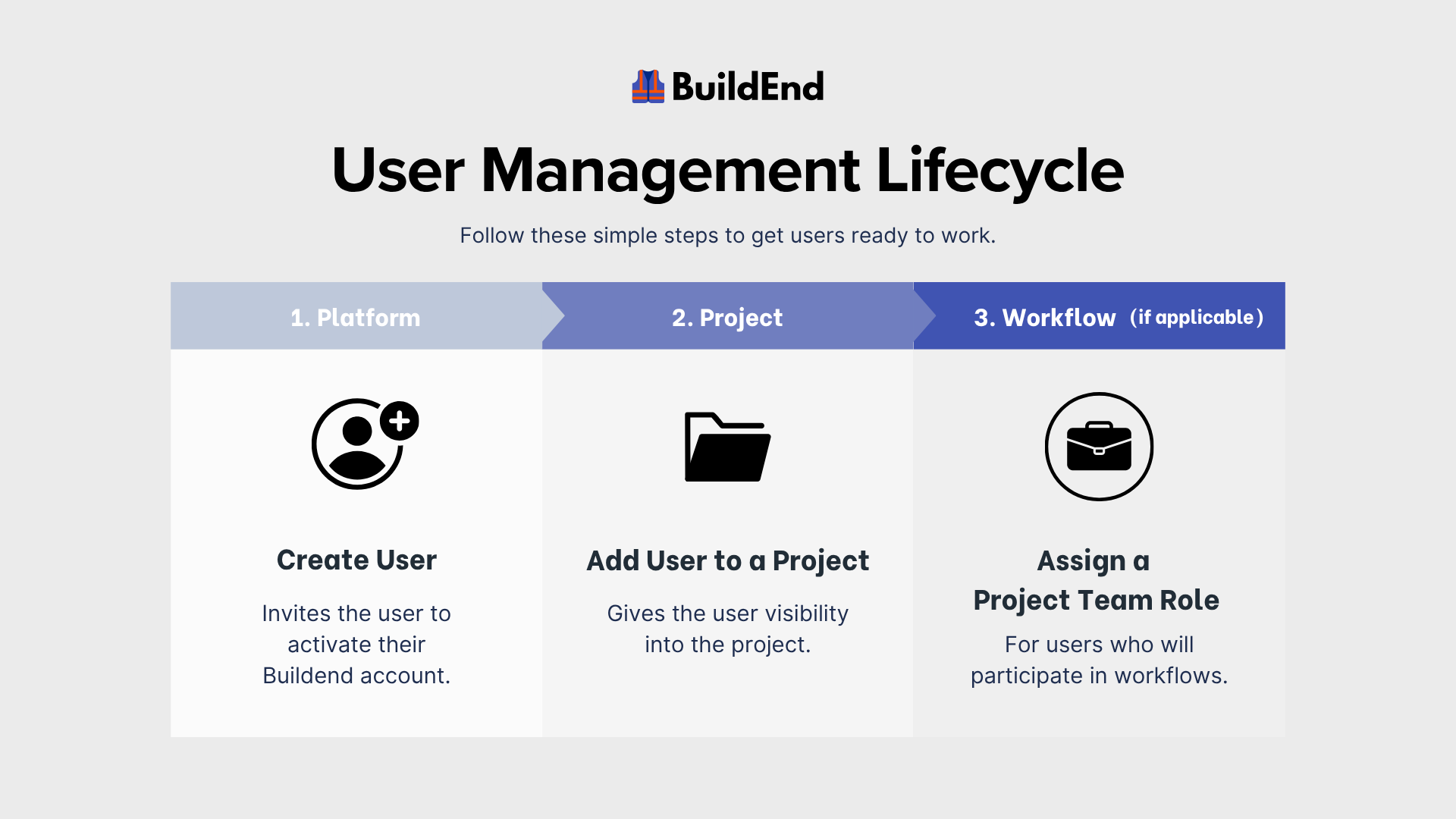
Step 1 – Create User
Create a user account to provide login access to your organization's Buildend workspace.
At this stage, the user exists within the workspace but cannot access any projects.
Learn more: Creating a User [🚧 Coming Soon]
Step 2 – Add User to a Project
Add the user to one or more projects to provide project visibility and assign the appropriate Project Permissions.
Learn more: Adding a User to a Project
Step 3 – Assign a Project Team Role (When Required)
Assign a Project Team Role only to users who will participate in project workflows.
Project Team Roles allow Buildend to automatically route workflow assignments based on each user's responsibilities rather than assigning work directly to individuals.
📝 Note:
Not every project user requires a Project Team Role. Users who only require project visibility, such as consultants, executives or other stakeholders, may not need one.
Learn more:
Additional User Configuration
After completing the core user setup, some Buildend features include additional user-specific settings that can be configured as needed.
These settings are only required if your organization uses the related functionality.
Examples include:
- Time Card Approvers
- Capacity and Scheduling Exceptions
Each feature includes its own setup and configuration guidance where applicable.
Best Practices
- Create user accounts before project work begins.
- Give users access only to the projects they require.
- Assign Project Team Roles only to users who participate in workflows.
- Review user access and role assignments regularly.
- Remove project access when users are no longer involved.
- Disable Login Access when users no longer require access to Buildend.