
Project Time Cards: Overview
Projects > Financials > Budget Manager > Time Cards
Review and manage submitted time entries within a specific project.
Table of Contents
Overview
Viewing Time Cards within a project provides a focused view of submitted time entries relevant to the specific project.
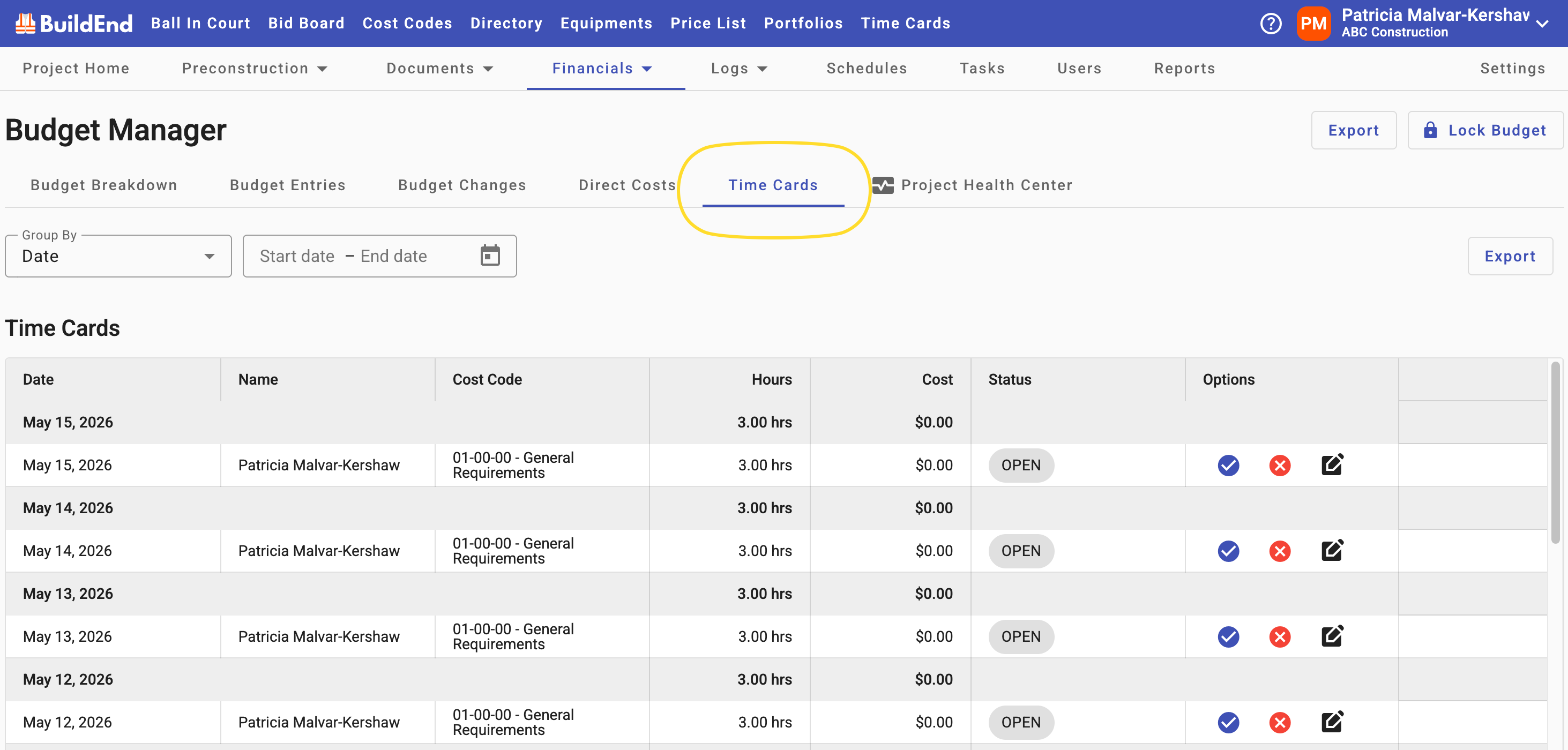
As a Project Manager, this view focuses on time entries for projects you manage and where you are designated as an approver. You can review submitted hours, adjust cost codes and labor rates where needed, and approve time entries. Once approved, time automatically flows into project budgets and cost reports, providing real-time visibility into self-performed labor costs.
- Review submitted time entries within a project
- Filter and search entries
- Monitor time pending approval for your project
- Edit or correct entries
- Approve or reject time entries
- Export project time data
⚫ Access to Time Cards in a Project and available actions are controlled by your organization’s permissions and managed by your Buildend Administrator.
Time Entry Lifecycle
These actions are part of Step 2: Manage Time in the time tracking workflow.
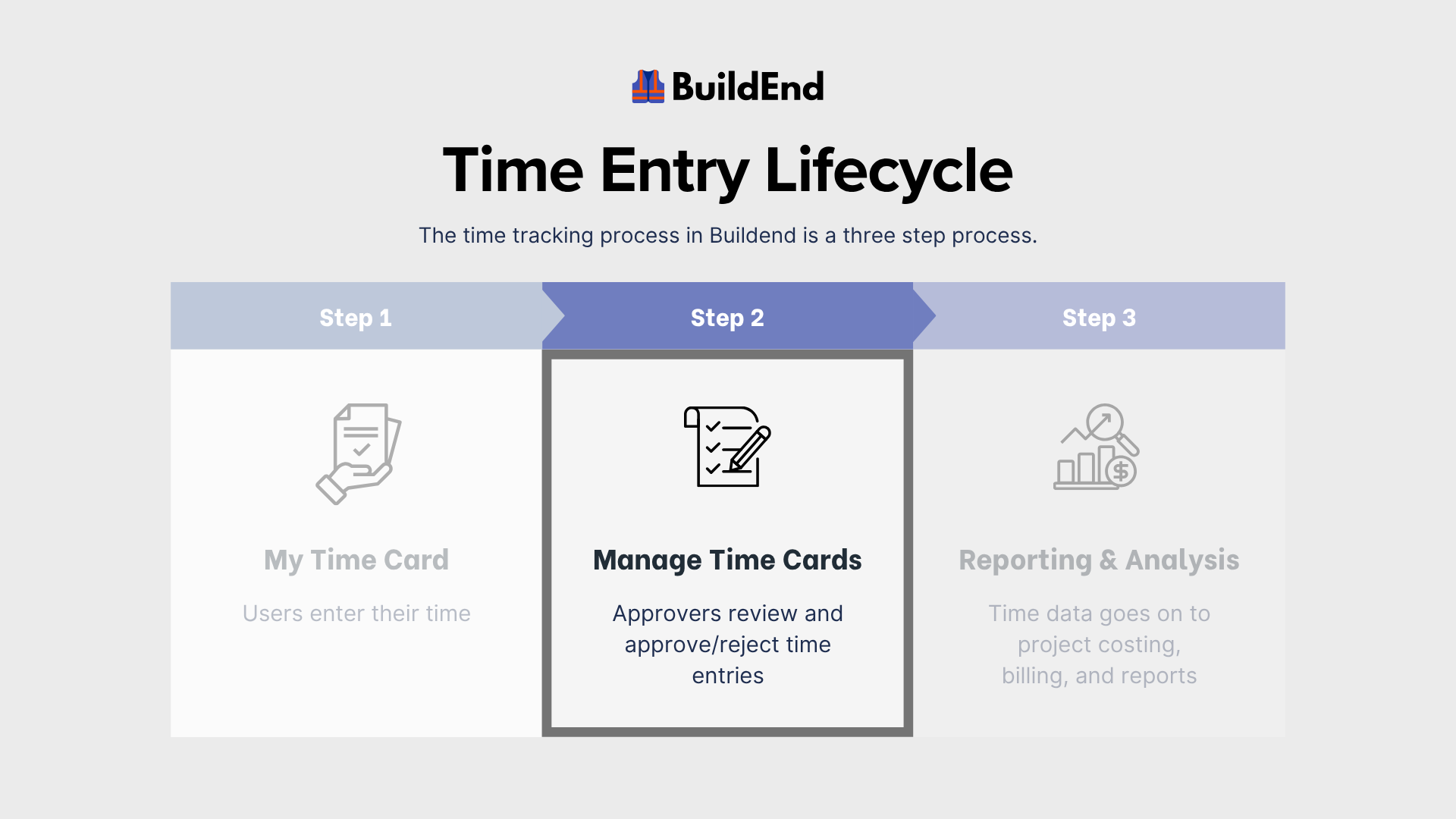
For more information, see the related articles on the Time Cards Workflow and Statuses.
Reviewing Project Time Entries
Project Managers use this to review submitted time entries tied specifically to their project(s).
Before approving or rejecting time, ensure entries are:
- Assigned to the correct project
- Reflecting accurate hours and dates
- Properly categorized (job, cost code, etc.)
- Aligned with project expectations and internal guidelines
Approval decisions should follow your organization’s time tracking policies and project requirements.
For step-by-step instructions, see Managing and Approving Time Entries.
Company-Specific Workflows
Time tracking workflows may vary between organizations based on configuration and internal processes.
Some organizations may require additional review steps or apply different rules depending on project structure.
If you are unsure how your project’s time tracking workflow is configured, contact your Buildend Administrator for guidance.