
Exporting Time Card Data
Export time entries from Manage Time or a Project for reporting and analysis.
Table of Contents
Overview
Time card exports are commonly used for payroll processing, job costing, invoicing, and reporting. They allow teams to review, share, or analyze time data outside of Buildend.
Depending on your permissions, exports are available from:
- Manage Time — for organization-wide or multi-project data
- Project > Time Cards — for project-specific time entries
Exporting Time Card Data
Step-by-Step Guide
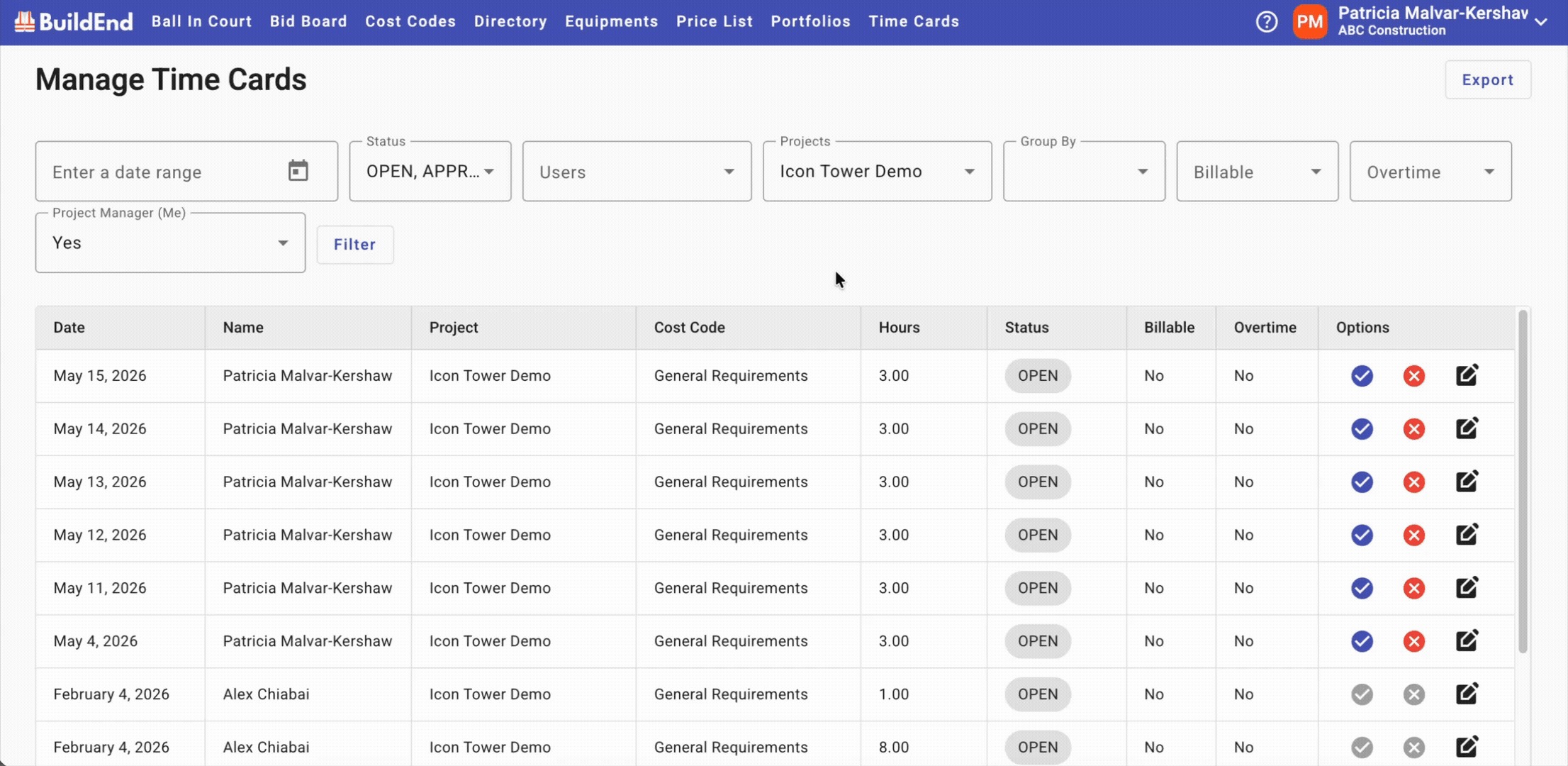
- Navigate to Manage Time or Project Time Cards
- Apply filters if necessary, such as date range, project, or user
- Click Export
- Select export format “Export to CSV”
- This will automatically download the file
Action Clip
Best Practices
- Apply filters before exporting to ensure relevant data only
- Confirm date ranges before exporting
- Use project-level exports for stakeholder reporting
- Review exported files before sharing or processing
Still Need Help?
Not to worry! If you’re having trouble completing these steps or something isn’t working as expected, reach out to our support team at support@buildend.com ✌️